
Stop Paying for Multiple Tools: How AI Integration Services Can Unify Your Small Business Tech Stack
Let's be honest. Your tech stack is probably bleeding money.
You've got Slack for communication. HubSpot for CRM. Mailchimp for email marketing. QuickBooks for accounting. Calendly for scheduling. Zapier for connecting them all. And that's just the beginning.
Each tool costs $10, $50, maybe $200 a month. Add them up. You're probably spending thousands annually on subscriptions that barely talk to each other. Your team wastes hours copying data between systems. Customer information lives in silos. And you're still manually doing tasks that should've been automated years ago.
There's a better way.
The Hidden Tax of Tool Sprawl
Small businesses face a unique challenge. You need enterprise-level functionality without enterprise-level budgets. So you piece together a Frankenstein stack of point solutions, each solving one specific problem.
The problem? Integration debt.
Every new tool adds friction:
- Your team needs training on yet another platform
- Data exists in multiple places with no single source of truth
- Manual handoffs between systems create bottlenecks
- Security vulnerabilities multiply with each new login
- You're locked into vendor pricing with little negotiating power
A bakery owner we spoke with was paying for seven different tools before switching to an integrated AI solution. Scheduling software. Inventory management. Customer messaging. Recipe tracking. Invoice generation. Marketing emails. Analytics.
Seven monthly subscriptions. Seven logins. Seven potential failure points.
After consolidation? One unified system handling everything. Cost reduced by 60%. Time saved? Immeasurable.
How AI Integration Actually Works
AI integration services don't just connect your tools: they replace the need for multiple tools entirely. Here's the difference.
Traditional automation platforms like Zapier create bridges between separate systems. You still pay for each tool. You're just automating the data transfer.
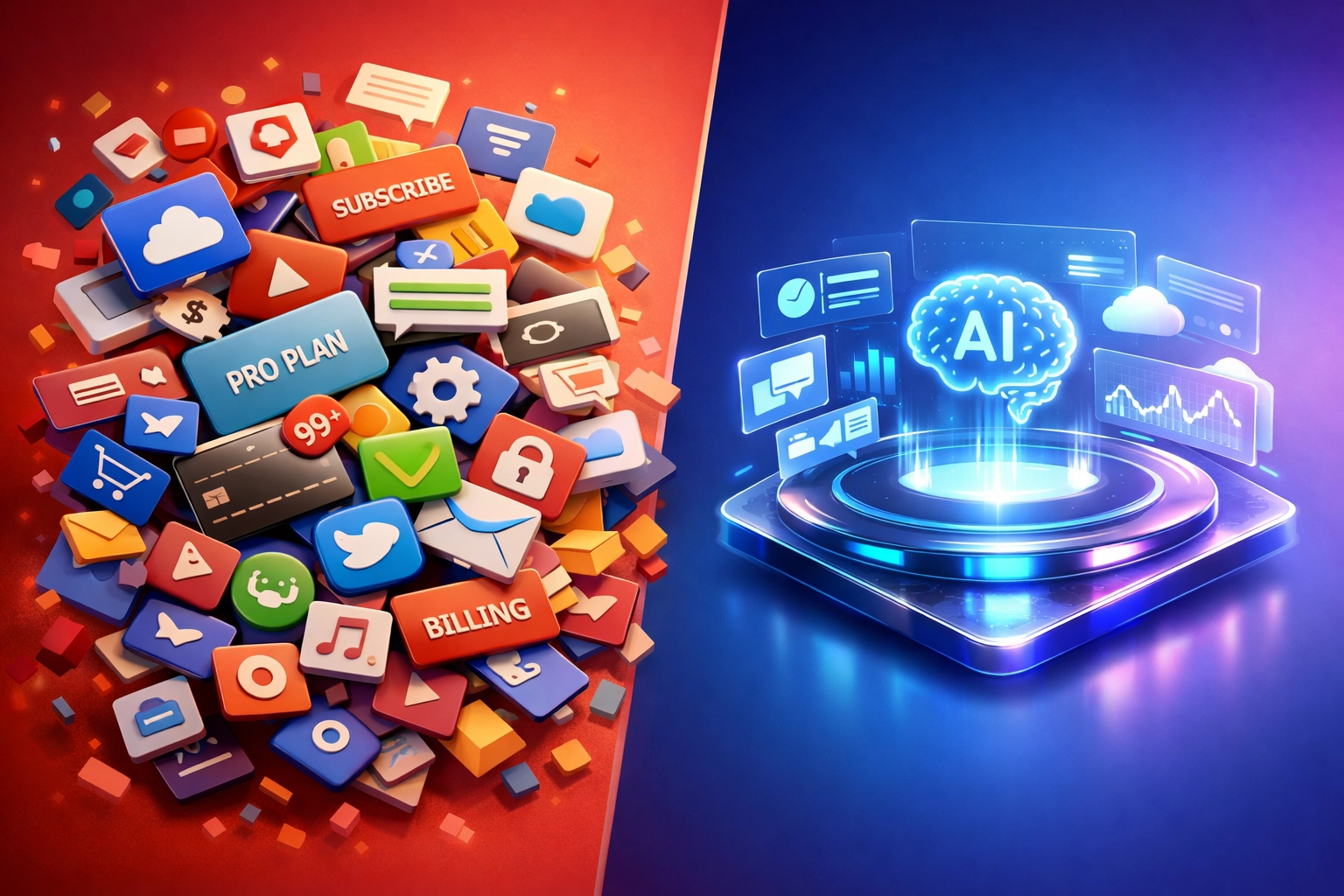
AI integration services consolidate functions. Instead of connecting your scheduling tool to your CRM to your email platform, you build workflows where AI handles scheduling, customer management, and communications within a single integrated environment.
Think of it this way: Zapier is duct tape. AI integration is architecture.
Centralized Automation Replaces Point Solutions
Consider your routine tasks. Customer inquiries. Invoice generation. Appointment scheduling. Inventory tracking. Follow-up emails. Social media posts.
Each traditionally requires its own specialized tool. With AI integration, these functions exist as interconnected workflows in one system.
An AI chatbot doesn't just answer questions: it schedules appointments, updates your CRM, triggers follow-up sequences, and logs everything automatically. No switching between platforms. No manual data entry. No subscription to five different tools.
For businesses comparing n8n vs Zapier, this is the crucial distinction. While Zapier charges per task and requires you to maintain all your existing tools, platforms like n8n enable self-hosted automation that actually reduces your tool count. You're building integrated solutions, not just connecting disparate systems.
Your Customer Data Finally Lives in One Place
Customer experience suffers when data is fragmented. Your support team sees tickets. Your sales team sees pipeline stages. Your marketing team sees email metrics. Nobody sees the complete picture.
AI integration unifies this. Every customer interaction: whether through chat, email, phone, or social media: flows into a single system. The AI analyzes patterns, personalizes responses, and triggers appropriate workflows based on complete customer history.
This isn't theoretical. Small businesses using unified AI systems report dramatic improvements in customer satisfaction. Why? Because every team member has context. Because responses are consistent. Because nothing falls through the cracks.
Airtable automation combined with AI provides a powerful example. Instead of maintaining separate databases for customers, projects, inventory, and finances, you create an interconnected Airtable base where AI handles the logic, automation, and analysis. One platform. Complete visibility.

The Real Cost Savings
Let's talk numbers.
The average small business with 10-50 employees pays between $5,000 and $15,000 annually on SaaS subscriptions. Larger small businesses? Easily $30,000+.
AI integration services reduce this by 40-70%.
How? By consolidating:
Customer Management: CRM + help desk + live chat + review management → Unified AI customer system
Marketing Operations: Email platform + social scheduler + analytics + lead capture → Integrated AI marketing automation
Business Operations: Invoicing + scheduling + inventory + reporting → AI-powered business management
Data & Analytics: Multiple dashboards + reporting tools + survey platforms → Unified AI insights engine
A retail business spending $800/month on eight different tools consolidated to a $300/month AI integration setup. Same functionality. Better performance. $6,000 saved annually.
But the bigger savings? Time.
The bakery owner mentioned earlier was spending 15 hours weekly on administrative tasks that spanned multiple platforms. After integration, that dropped to 3 hours. That's 12 hours weekly: over 600 hours annually: redirected toward actually growing the business.
Calculate your team's hourly cost. Multiply by the hours wasted on manual data transfer, tool-switching, and administrative overhead. That's your real integration savings opportunity.
Implementation Without Disruption
Here's what stops most businesses from consolidating their tech stack: fear of disruption.
You're worried about:
- Losing data in migration
- Breaking existing workflows
- Overwhelming your team with change
- Upfront costs that don't deliver immediate ROI
Valid concerns. Wrong conclusion.
AI integration services are designed for gradual implementation. You don't flip a switch and replace everything overnight.
The process looks like this:
- Identify core pain points – Which disconnected systems cause the most friction?
- Start with a pilot – Integrate 2-3 related functions first
- Prove value quickly – Measure time and cost savings within 30 days
- Expand systematically – Add functions as the team adopts the system
- Sunset redundant tools – Cancel subscriptions only after full functionality is replaced
Modern AI platforms integrate seamlessly with your existing tools during transition. Your Stripe payments keep processing. Your Google Workspace keeps running. Your QuickBooks keeps tracking finances.
You're building bridges before burning boats.

What This Looks Like in Practice
Let's make this concrete with a service business example.
Before AI Integration:
- Calendly for appointment scheduling ($15/month)
- HubSpot CRM ($50/month)
- Mailchimp for email campaigns ($35/month)
- Intercom for customer chat ($74/month)
- Slack for team communication ($8/user/month)
- Zapier to connect everything ($30/month)
- Google Workspace for documents ($12/user/month)
- Monday.com for project management ($10/user/month)
Total: $300+/month for a 5-person team, not including time costs
After AI Integration:
- Custom AI automation platform handling scheduling, CRM, email, and chat
- Existing Google Workspace (essential)
- Existing Slack (if preferred for internal chat)
Total: $150-200/month all-in
Functionality gained:
- Intelligent lead qualification and routing
- Automated follow-up sequences based on customer behavior
- Predictive scheduling that optimizes your calendar
- Unified customer profiles with complete interaction history
- Automated report generation and insights
- Self-service customer portal reducing support load
Better functionality. Lower cost. Less complexity.
The Strategic Advantage
Beyond cost savings, tech stack consolidation creates competitive advantages that pure point solutions can't match.
Speed. When everything connects natively, you move faster. A lead comes in, gets qualified by AI, routes to the right salesperson, triggers a personalized email sequence, and schedules a follow-up: all in seconds, all automatically.
Intelligence. Unified data enables better AI. When your system sees the complete customer journey: from first website visit through purchase and support interactions: it makes smarter predictions and recommendations.
Scalability. Integrated systems scale elegantly. Adding new team members, launching new products, expanding to new markets: these don't require adding new tools and integrations. You extend existing workflows.
Focus. Your team stops managing technology and starts leveraging it. Less time in admin panels. More time serving customers and growing revenue.
Getting Started with Integration
You don't need a massive budget or technical team to start consolidating your tech stack.
Begin by auditing your current subscriptions. List every tool, its monthly cost, and its primary function. Look for overlap. Identify your biggest pain points: what takes the most manual effort?
Those pain points? Prime candidates for AI integration.
At Yotomations, we help small businesses design and implement exactly these kinds of integrated solutions. We start with discovery to understand your specific workflow challenges, then build custom automation that consolidates functions without disrupting operations.
Whether it's lead generation workflows, data entry automation, or complete customer journey mapping, the goal is the same: fewer tools, better results, lower costs.
Your tech stack should be an asset, not a liability. If you're spending more time managing tools than using them, it's time to integrate.
Stop paying for complexity. Start building for clarity.
