
5 Steps How to Master business process automation and Free Up 20 Hours a Week (Easy Guide for SMB Owners)
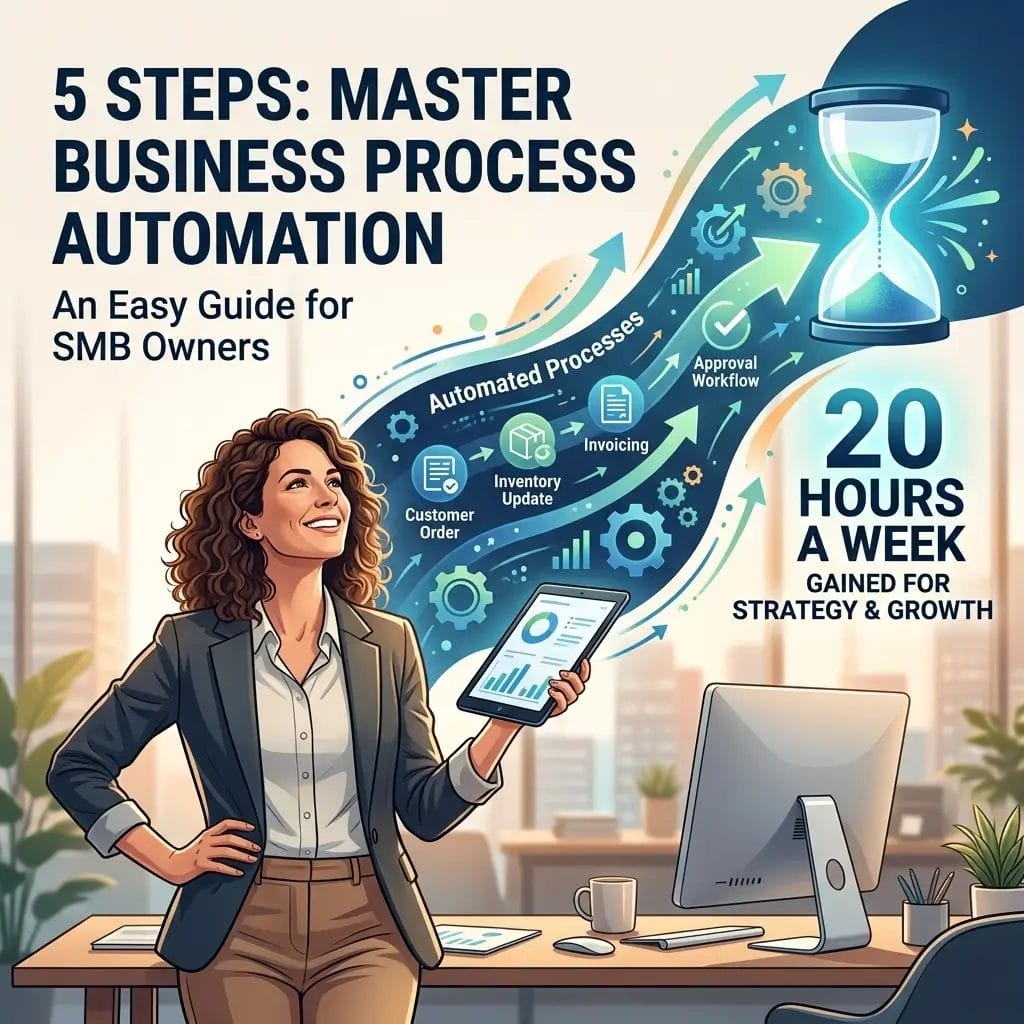
Running a small business shouldn't feel like a 24/7 battle against administrative chaos. Yet, for most SMB owners, the "grind" is composed of repetitive data entry, manual follow-ups, and fragmented communication.
At Yotomations, we see it every day. Founders like Yaakov (Koby) Oranski understand that the difference between a stagnating business and a scaling one is leverage. If you are spending 40 hours a week on operations, and 20 of those hours are spent on tasks a machine could do better, you aren't a CEO, you’re an overqualified administrator.
The goal is simple: Free up 20 hours a week.
How? By moving from manual labor to business process automation. This isn't just about "using tools." It’s about building an autonomous engine that runs while you sleep.
Here is your 5-step master guide to reclaiming your time.
Step 1: Audit Your Time and Identify the "Time-Killers"
You cannot automate what you haven't identified. Most owners try to automate everything at once and end up with a tangled web of broken triggers.
Execution. Start by tracking your time for one week. Look for the "low-value, high-frequency" tasks. These are your prime candidates for workflow automation.
Ask yourself these questions:
- Does this task happen at least three times a week?
- Does it involve moving data from one place to another?
- Does it require zero creative thinking?
- Is it prone to human error?
If the answer is yes, it’s a leak. At Yotomations, we provide AI Audits specifically to find these hidden bottlenecks. Don't guess. Use data to find where your 20 hours are going.

Step 2: Document the "Manual Path" Before Touching Code
One of the biggest mistakes in custom software development is trying to automate a process that is already broken. Automating a mess just gives you a faster mess.
Standardize. You must document every single click, decision point, and handoff in your current manual process.
- Triggers: What starts the process? (e.g., A new lead fills out a form).
- Actions: What happens next? (e.g., You copy their email into a spreadsheet).
- Logic: Are there "If/Then" scenarios? (e.g., If the lead is from a certain industry, send them Video A; if not, send Video B).
Once you have a map, you can simplify it. Cut out the fluff. Only when the manual process is lean should you look toward ai automation for small business solutions.
Step 3: Build a Centralized "Source of Truth"
Automation fails when data is scattered across five different "vague" spreadsheets and three different apps. You need a centralized hub where your automated workflows can read and write data reliably.
For many of our clients, we recommend Airtable automation. Airtable acts as a hybrid between a database and a spreadsheet, making it the perfect "brain" for your operations.

By setting up a clean database, you ensure that your ai integration services have a structured environment to work in. Whether you are tracking customer flows or managing inventory, having a single source of truth is non-negotiable. It allows your marketing automation ai to pull the right customer names and your billing software to pull the right invoice numbers without you lifting a finger.
Step 4: Deploy the "Glue" (n8n and Make)
This is where the magic happens. You don’t need to be a coder to link your apps together, but you do need the right "glue."
While Zapier is popular, we often lean toward n8n automation for more complex, logic-heavy workflows. It provides the flexibility of custom software development without the six-figure price tag.
Prioritize these three quick wins:
- Lead Intake: Automatically move leads from your website to your CRM and send an instant "discovery call" booking link. Check out our A2P Verification Intake Case Study for an example of how we streamline data collection.
- Content Management: Use marketing automation ai to take one long-form video and distribute snippets across LinkedIn and X.
- Reporting: Stop manually building charts. Use an automated Yelp Dashboard or similar custom analytics to see your numbers in real-time.
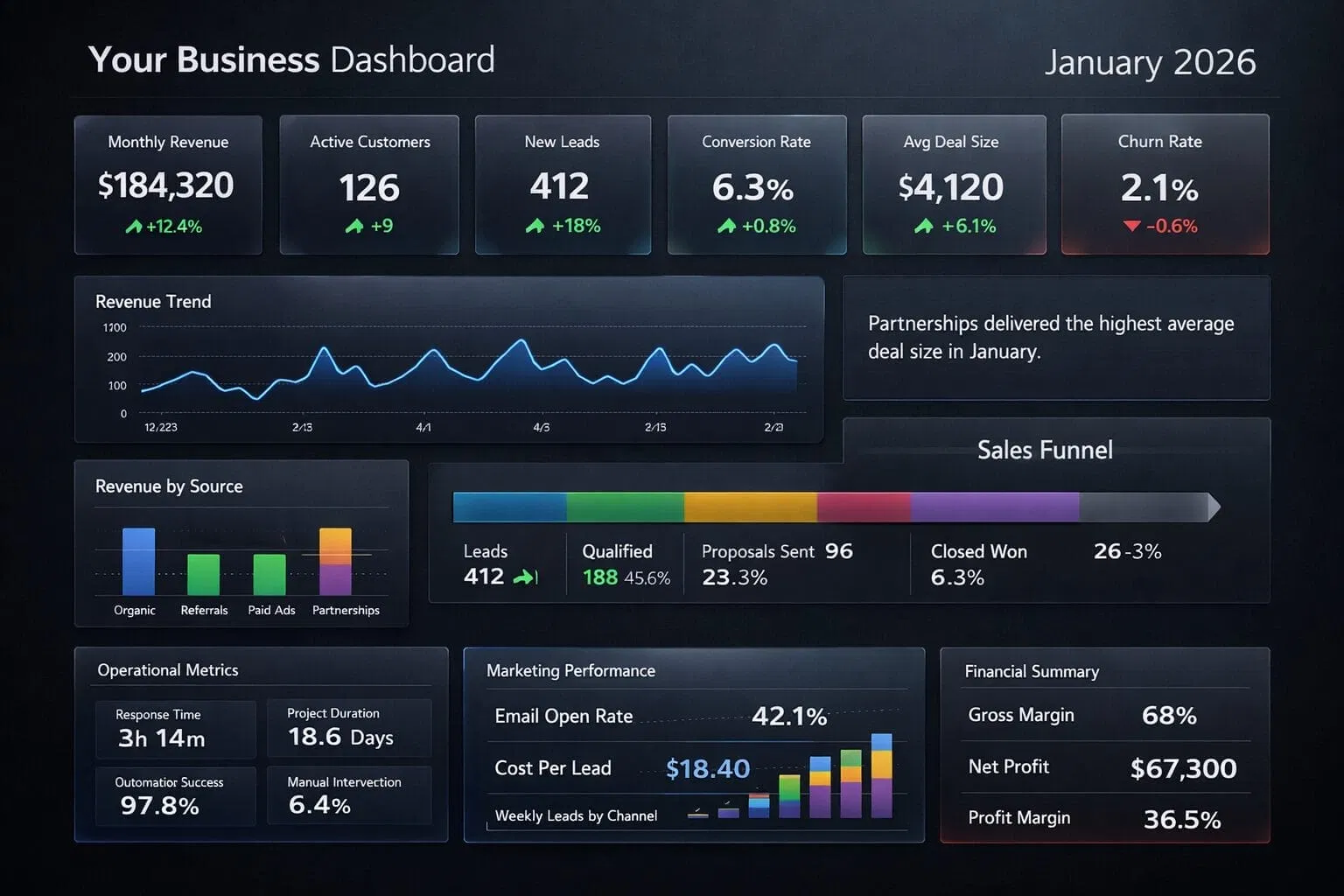
When these systems talk to each other, the "busy work" evaporates. You move from "doing" to "observing."
Step 5: Monitor, Iterate, and Scale
Automation is not "set and forget." It is "set and improve."
The first version of your automation will likely handle 80% of the cases. The remaining 20%: the edge cases: will require manual intervention. That’s okay. Reliable systems are built in stages.
The 20-Hour Goal.
Once your first few workflows are running, you will notice a sudden surplus of time. Don't fill it with more admin work. Use that time for high-level strategy, sales, or product development.
At Yotomations, we believe in automation consulting that focuses on ROI. We don't just build bots; we build time-recovery systems. If an automation doesn't save you at least 5x its cost in time or labor, it's not worth building.
Why SMB Owners Choose Professional Help
Mastering business process automation on your own is possible, but it is a steep learning curve. Between API keys, webhooks, and data mapping, it’s easy to get overwhelmed.
That is why automation consulting is a shortcut. We handle the technical heavy lifting: from custom software development to deep ai integration services: so you can focus on leading your company.
Are you ready to stop being the bottleneck in your own business?
The path to a 20-hour-a-week reduction starts with a single step. Audit your time, map your process, and let technology do the heavy lifting.
- Explore our Use Cases to see what's possible.
- Meet the Yotomations Team helping businesses scale.
Execution is everything. Start today.

