
How to Integrate AI Integration Services With Your Existing Tech Stack in 5 Simple Steps

Legacy systems are the silent killers of modern business growth. You have a CRM that doesn't talk to your accounting software. You have a marketing platform that requires manual data entry. You have a goldmine of data trapped in silos.
If you are a small to medium business (SMB) owner, you don't have the luxury of waiting. To scale, you need to automate business processes and turn your fragmented tech stack into a unified, AI-powered engine.
At Yotomations, founded by Yaakov (Koby) Oranski, we specialize in bridge-building. We don't just hand you a piece of software; we build the neural pathways between your existing tools.
Integrating AI integration services into your current workflow isn't a weekend project: but it doesn't have to be a nightmare. Here are the 5 simple steps to get it done.
Step 1: Perform a Zero-Fluff Tech Audit
Before you can add AI, you need to know what you’re working with. Most business owners are surprised by how many redundant tools they are paying for.
You need to map out every single piece of software your team uses. From your email provider to your specific project management tool, everything must be accounted for. The goal here is to identify the bottlenecks. Where is the data getting stuck? Where are your employees doing manual "copy-paste" work?
This is the foundation of business process automation. If your foundation is cracked, AI will only accelerate the collapse.
- Inventory: List all SaaS platforms, local databases, and custom legacy apps.
- Gap Analysis: Identify the "data deserts": the places where information goes in but never comes out.
- Prioritize: Focus on the systems that handle the highest volume of repeatable tasks.

(Note: Using high-quality visuals to represent the clarity of an audit.)
For a deeper dive on where to start, check out our 5 steps on how to automate business processes.
Step 2: Define High-Impact AI Use Cases
AI for the sake of AI is a waste of money. You need to define specific outcomes.
Are you looking for marketing automation ai to qualify leads while you sleep? Or perhaps you need a custom AI model to analyze customer sentiment from support tickets?
By defining the use case first, you determine the "inputs" and "outputs" the AI integration service needs to handle. For example, if you want to 10x your output, you might focus on content generation or automated reporting.
- The Lead Gen Angle: Use AI to scrape, sort, and personalize outreach.
- The Ops Angle: Use AI to predict inventory needs or optimize shipping routes.
- The Sales Angle: Use AI to summarize meetings and update your CRM automatically.
We’ve seen how transformative this can be. In our guide on why marketing automation AI changes the game, we break down how to free up your sales team for actual selling.
Step 3: Deploy the "Glue" (Middleware & Workflow Automation)
This is where the magic happens. You rarely need to replace your entire tech stack; you just need better "glue."
Middleware tools like n8n, Make, and Zapier are the heavy lifters in modern workflow automation. These platforms allow different APIs to talk to each other without requiring a massive custom codebase for every single connection.
At Yotomations, we frequently leverage n8n automation for its flexibility and self-hosting capabilities. It allows us to build complex, multi-step workflows that connect your Gmail to your Airtable automation base, and then send that data to an LLM for processing.

Why this works:
- Speed: Build integrations in hours, not weeks.
- Scalability: As you grow, you just add more "nodes" to the workflow.
- Reliability: Centralized error handling means you know the second a process fails.
If you aren't sure why n8n is the superior choice for scaling, read our breakdown on why n8n automation is a game-changer.
Step 4: Develop Custom API Connectors
Sometimes, the "off-the-shelf" connectors aren't enough. If you’re running a proprietary legacy system or a highly specific industry tool, you’ll need custom software development.
This is where you build a dedicated API bridge. This bridge ensures that your sensitive data flows securely and accurately into your AI models. AI integration services are only as good as the data they receive. If the data is messy or the connection is unstable, the AI's output will be useless.
Execution is everything here. You need a developer who understands both the legacy architecture and the modern AI requirements. This isn't just about "coding"; it's about data integrity.
- Standardize: Ensure all data is converted into a readable JSON format.
- Secure: Implement OAuth2 or encrypted API keys.
- Buffer: Use message queues (like RabbitMQ) to ensure no data is lost during peak traffic.
Our ultimate guide to custom software development explains how to outpace the competition with these bespoke solutions.
Step 5: Monitor, Tweak, and Scale with Expert Guidance
Integration is not a "set it and forget it" task. AI models drift. APIs update. Your business needs change.
You need a robust monitoring layer. You should be tracking the success rate of every automated process. If your ai automation for small business starts hallucinating or a connection breaks, you need to know before your customer does.
This is where automation consulting provides the highest ROI. An expert doesn't just build the machine; they teach you how to drive it and keep it tuned.
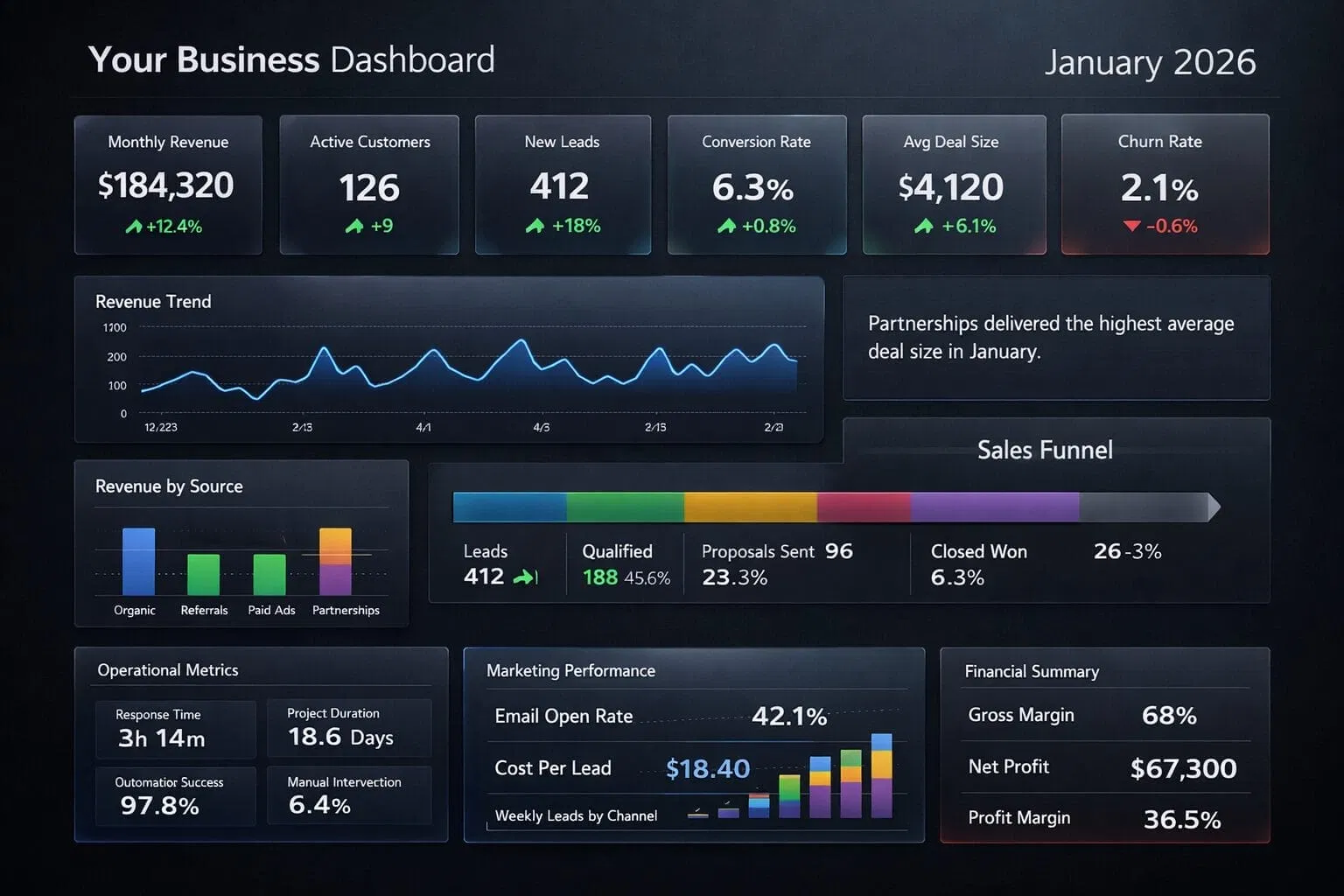
- KPI Tracking: Use dashboards to monitor time saved and error rates.
- Feedback Loops: Use human-in-the-loop systems to verify AI outputs.
- Iterate: Monthly reviews to find the next 1% improvement.
The Bottom Line
Integrating AI into your existing tech stack is no longer optional: it is a survival requirement for SMBs in 2026. By auditing your stack, defining your use cases, leveraging middleware like n8n, developing custom connectors, and monitoring the results, you transform your business from a collection of tools into a unified powerhouse.
Stop fighting your software. Start making it work for you.
Ready to stop the manual grind? Yotomations is here to bridge the gap. Whether you need a simple Airtable automation or a full-scale custom software development project, we build the systems that let you scale without the headcount.
Reach out today and let's build your future.
